

Introduction
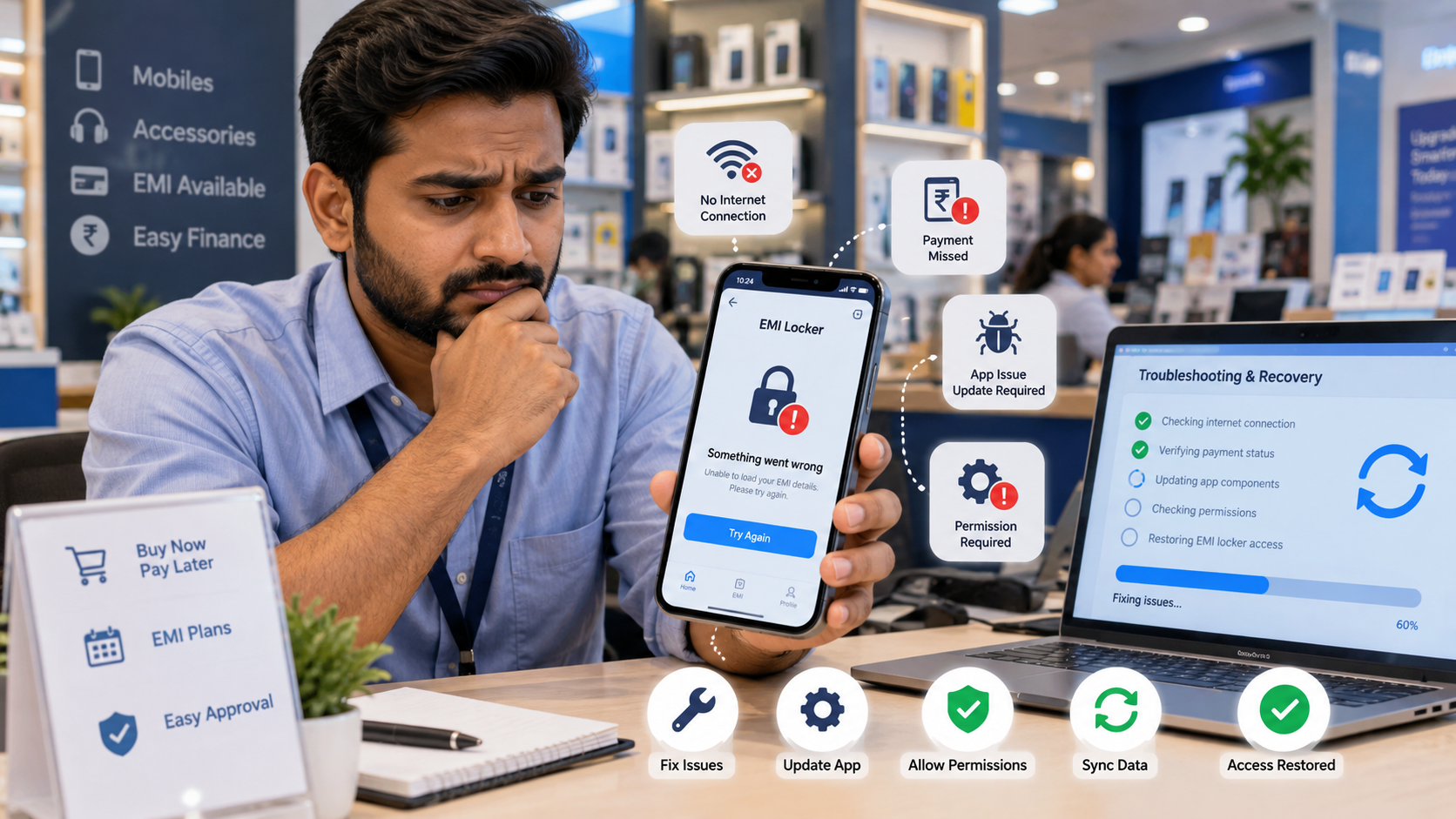
Are you using an EMI Locker App to manage financed smartphones but facing problems with device locking, payment tracking or app connectivity? Technical issues can sometimes affect how the software works, making it difficult for mobile retailers and finance companies to manage financed devices.
Understanding EMI Locker App problems and their solutions can help retailers avoid unnecessary delays in EMI management. Most issues happen because of poor internet connectivity, missing permissions, software updates or device compatibility.
In this guide, we explain the common EMI Locker App problems, their causes, and simple solutions to keep your mobile financing business running smoothly.
What Is an EMI Locker App and How Does It Work?
An EMI Locker App is device management software that helps mobile retailers, distributors, NBFCs and finance companies manage smartphones sold through installment plans.
It allows authorized businesses to track EMI payments, send reminders, manage financed devices, and apply supported device restrictions when payments remain overdue.
Key features include:
- Remote Phone Lock: Apply authorized restrictions to supported financed smartphones.
- Remote Unlock: Restore device access after payment verification.
- EMI Payment Tracking: Monitor installment dates and outstanding payments.
- Automatic Reminders: Notify customers about upcoming or missed EMIs.
- Device Management Dashboard: Manage multiple financed smartphones from one platform.
However, like other mobile applications, EMI Locker Software may occasionally experience technical problems.
7 Common EMI Locker App Problems and Their Solutions
1. Poor or No Internet Connection
An unstable internet connection is one of the common reasons an EMI Locker App may not communicate with its management server.
When a smartphone loses internet connectivity, remote commands and payment updates may be delayed.
Common issues:
- Remote locking commands are not received.
- EMI payment status does not update.
- Device information is not synchronized.
Solution:
Check whether the smartphone has a stable internet connection. Some EMI Locker Apps support offline restrictions that continue working based on previously configured settings.
To understand this better, read Can an EMI Locker App Work Without Internet?, which explains how offline EMI locking can work on supported devices.
2. EMI Locker App Freezes or Closes Automatically
Sometimes, the EMI Locker App may freeze, crash or close unexpectedly. This can happen due to software errors, insufficient storage, unsupported Android versions, or application compatibility problems.
Solution:
- Check for available software updates.
- Restart the smartphone when appropriate.
- Ensure sufficient device storage is available.
- Contact the software provider if the issue continues.
Avoid deleting application data or uninstalling device management software without authorization.
3. Customer Changes the SIM Card
Many mobile retailers worry about whether changing a SIM card can affect an EMI-locked smartphone. In device-based EMI management systems, the lock is generally associated with the enrolled smartphone rather than only the SIM card. However, some features may depend on mobile connectivity or the registered phone number.
For more information, explore What Happens If a Customer Changes the SIM Card in an EMI-Locked Phone?.
Solution:
Retailers should verify the device's enrollment status, check its connectivity, and update customer contact information if necessary.
4. EMI Locker App Stops Working After an Update
Android updates can sometimes affect application permissions, background activity, or compatibility with device management software. An older EMI Locker App may not work properly after a major operating-system update.
Solution:
- Check whether the EMI Locker App supports the updated Android version.
- Install the latest approved application update.
- Verify device management permissions.
- Contact technical support if the problem continues.
Keeping software compatible with supported Android versions helps reduce these issues.
5. Remote EMI Phone Lock Is Not Working
Sometimes, a retailer may send a remote locking command, but the financed smartphone does not lock.
This may happen because:
- The smartphone is offline.
- Device enrollment is incomplete.
- Required management permissions are missing.
- The server is temporarily unavailable.
- The device does not support the requested locking feature.
Solution:
Check the device's connection and enrollment status through the EMI management dashboard. Review pending commands and confirm that the smartphone supports remote locking. Any device restrictions must follow the financing agreement, customer consent, and applicable legal requirements.
6. Customer Paid EMI but the Phone Is Still Locked
A customer may complete an overdue payment, but the financed smartphone may remain locked. This can happen when payment confirmation is delayed or the unlock command has not reached the device.
Solution:
- Verify the customer's payment.
- Check the updated EMI status in the dashboard.
- Confirm that the unlock request has been processed.
- Contact technical support if the restriction remains active.
Retailers should resolve verified payment-related unlocking issues promptly to maintain customer trust.
7. EMI Locker App Is Not Compatible with the Smartphone
Not every EMI Device Lock App supports all smartphone brands, Android versions, or device configurations. Some devices require specific management permissions or enrollment methods.
Solution:
Before installing EMI Locker Software, check its device compatibility requirements. Choose software that supports the smartphone models used in your business and offers reliable technical assistance.
How to Prevent EMI Locker App Problems
Mobile retailers can reduce common technical issues by following simple practices.
- Choose Reliable Software: Select an EMI Locker App with appropriate technical support.
- Check Device Compatibility: Verify supported smartphones before installation.
- Keep Applications Updated: Use approved software versions.
- Monitor Device Status: Regularly review enrolled devices through the dashboard.
- Maintain Accurate Records: Keep payment and customer information updated.
- Train Retail Staff: Ensure employees understand basic software operations.
- Protect Customer Information: Use secure access controls and proper data management practices.
Businesses should also understand How Finance Locker Software Helps Prevent EMI Fraud in India. Proper device enrollment, payment monitoring, and secure management controls can help reduce certain financing risks.
How to Choose a Reliable EMI Locker App for Your Business
Choosing the right EMI Locker Software is important for businesses managing financed smartphones. Before selecting a solution, consider these features:
- Remote Device Management: Authorized locking and unlocking capabilities.
- EMI Payment Tracking: Monitor installment schedules and pending payments.
- Device Compatibility: Support for the smartphones used by your business.
- Easy Dashboard: Simple customer and device management.
- Payment Reminders: Automated notifications for upcoming installments.
- Technical Support: Assistance with setup and application problems.
- Secure Data Management: Protection of customer and financing information.
A suitable EMI Locker App for Mobile Retailers can help simplify everyday operations and reduce manual work.
How White Label EMI Locker Helps Retailers Manage Financed Devices
White Label EMI Locker, developed by Devolyt Technologies Pvt. Ltd., offers customizable EMI device management solutions for mobile retailers, distributors, NBFCs, and finance companies. Under the leadership of Aditya Gupta, Founder & CEO of Devolyt Technologies Pvt. Ltd., the company develops solutions designed to simplify smartphone financing and EMI management.
Key capabilities include:
- Custom Branding: Create an EMI Locker App with your business name.
- Centralized Dashboard: Manage financed smartphones and customer information.
- EMI Payment Tracking: Monitor installment schedules and overdue amounts.
- Remote Lock and Unlock: Use authorized controls on supported devices.
- Automatic Reminders: Keep customers informed about EMI due dates.
- Retailer and Distributor Management: Organize financed device operations across business users.
- Technical Assistance: Get help with application setup and software-related issues.
These capabilities help businesses manage EMI operations more efficiently from a centralized platform.
Conclusion
An EMI Locker App may sometimes stop working due to internet connectivity problems, software updates, missing permissions, or device compatibility issues. Regular updates, proper device enrollment and technical support can help retailers avoid these problems. White Label EMI Locker, developed by Devolyt Technologies Pvt. Ltd., offers customizable EMI device management solutions that help mobile retailers, distributors, NBFCs and finance companies manage financed smartphones, track payments, and simplify EMI recovery operations. If you are looking for reliable EMI Locker Software for your business, visit: www.whitelabelemilocker.com or contact our team for more information.
Website: www.whitelabelemilocker.com Phone: +918882653043 Email: info@whitelabelemilocker.com
Ready to Launch Your White Label EMI Locker?
Talk to Aditya Gupta — Founder & CEO of Devolyt Technologies — and get a custom quote for your EMI Locker platform.
Get a Free Consultation →